Description
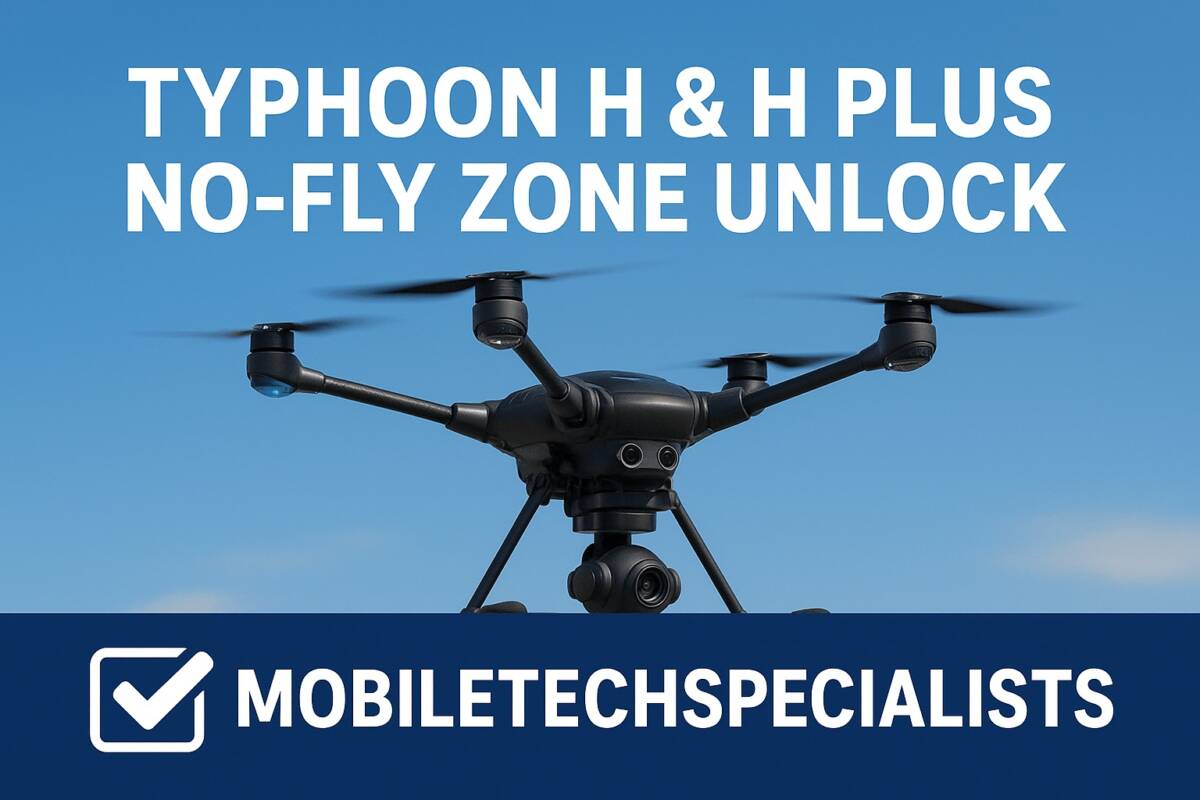
I run the only shop in the US that can remove the Yuneec no-fly-zone lock. If your Typhoon H is stuck in NFZ lock, I can unlock it.
No-Fly Zone unlock for all Yuneec Typhoon H models including the H-Pro, offered exclusively by MobileTechSpecialists. This service generates a valid unlock license for your aircraft so it can operate where you are authorized to fly.
What you get:
- Unlock license file, usually delivered within 24 hours of purchase
- Step-by-step instructions for the Typhoon H GUI process
- Free support included: if you get stuck at any step, call 518-888-7139 or email and I will walk you through it.
- If you cannot run the GUI software or do not have a Windows computer, ship me the flight control module and I will unlock it and return it free of charge
Before you buy:
- A valid passport or driver license for verification.
- Your Typhoon H Product ID number (not the serial number). Connect the drone to the Typhoon H GUI and copy it from the information tab.
- The OEM USB cable to connect your drone to the GUI.
- Turn antivirus off when downloading and installing the GUI or it will not run.
- Download the GUI here: Typhoon H GUI download.
This is the same trusted process previously offered through YuneecSkins, now continued by MobileTechSpecialists. You are responsible for flying only where you are legally allowed to fly.
Ships from NY, USA.

Reviews
There are no reviews yet.